Press kit
Everything for writing about Lantern Home: words to use, the facts, the logos, and screenshots of its demo household.
In a sentence
Lantern Home is a free, self-hosted family hub: the household's calendar, chores, lists, meals, and photos, on a wall display, a desktop, and everyone's phones.
In a paragraph
Lantern Home gives a family one shared place for its week, with no subscription and no account with anyone. It runs on the household's own server, in Docker, and keeps everything in its own database. Any screen can be the family's wall display: a monitor in the kitchen, a tablet, or a Raspberry Pi. It works alongside the services a household may already run, mirroring lists into Home Assistant, Grocy, and Mealie, and showing albums from Immich, rather than replacing them.
The facts
- Name
- Lantern Home, or Lantern for short
- What it is
- A self-hosted family hub: the household's calendar, chores, lists, meals, and photos
- Price
- Free, with no subscription
- License
- AGPL-3.0, with the source on its way
- Runs on
- Docker Compose on an amd64 machine, with its own PostgreSQL database
- Screens
- Any browser; wall displays from a Debian mini PC, a Raspberry Pi, or a tablet
- Phones
- In the browser and on the Home Screen; a native Android app is on its way
- Website
- lanternhome.org
Logos
The mark, the lockup, and the app's tile, as SVG and PNG, are in thebrand guide's downloads, with how to use them.
Screenshots
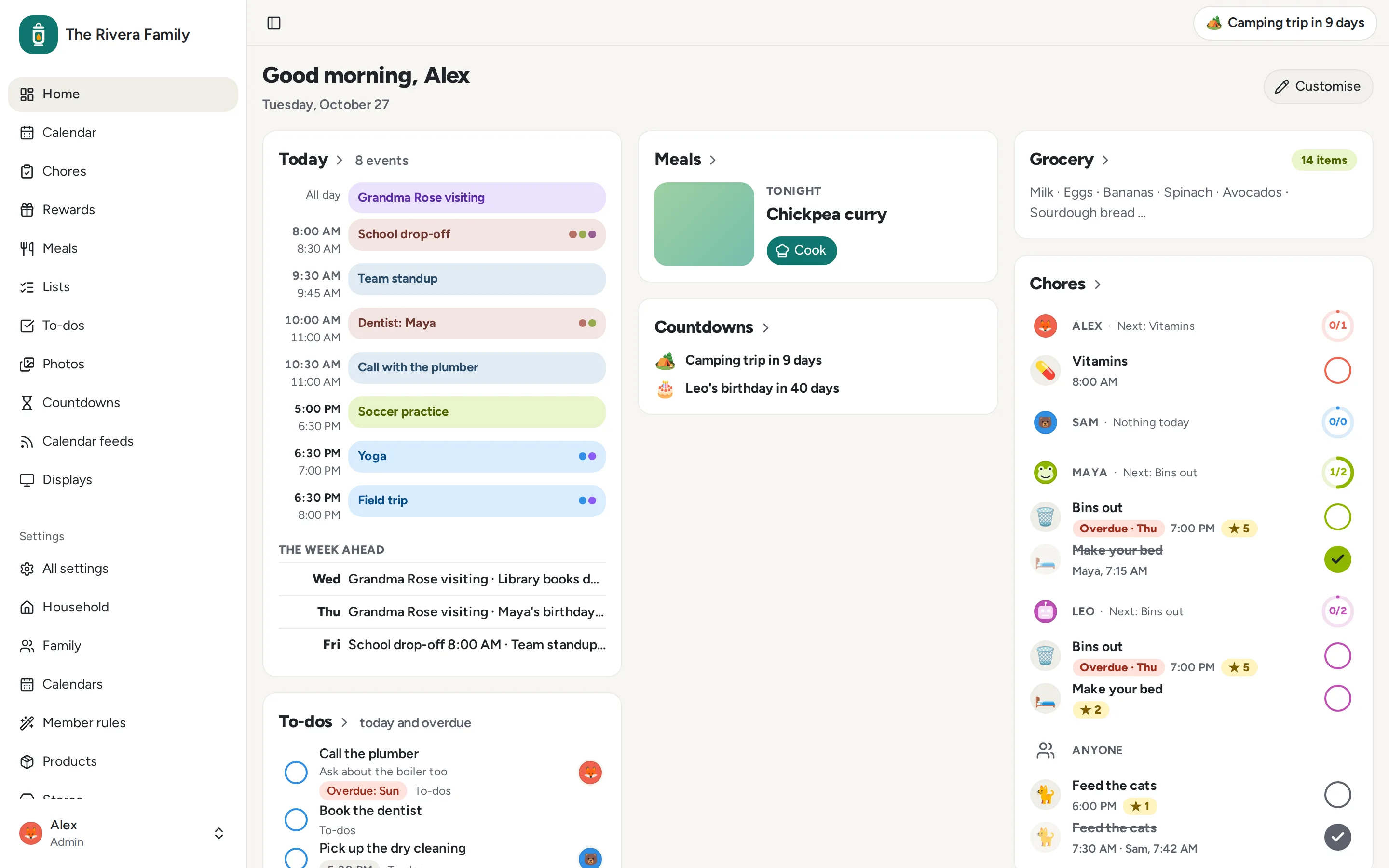
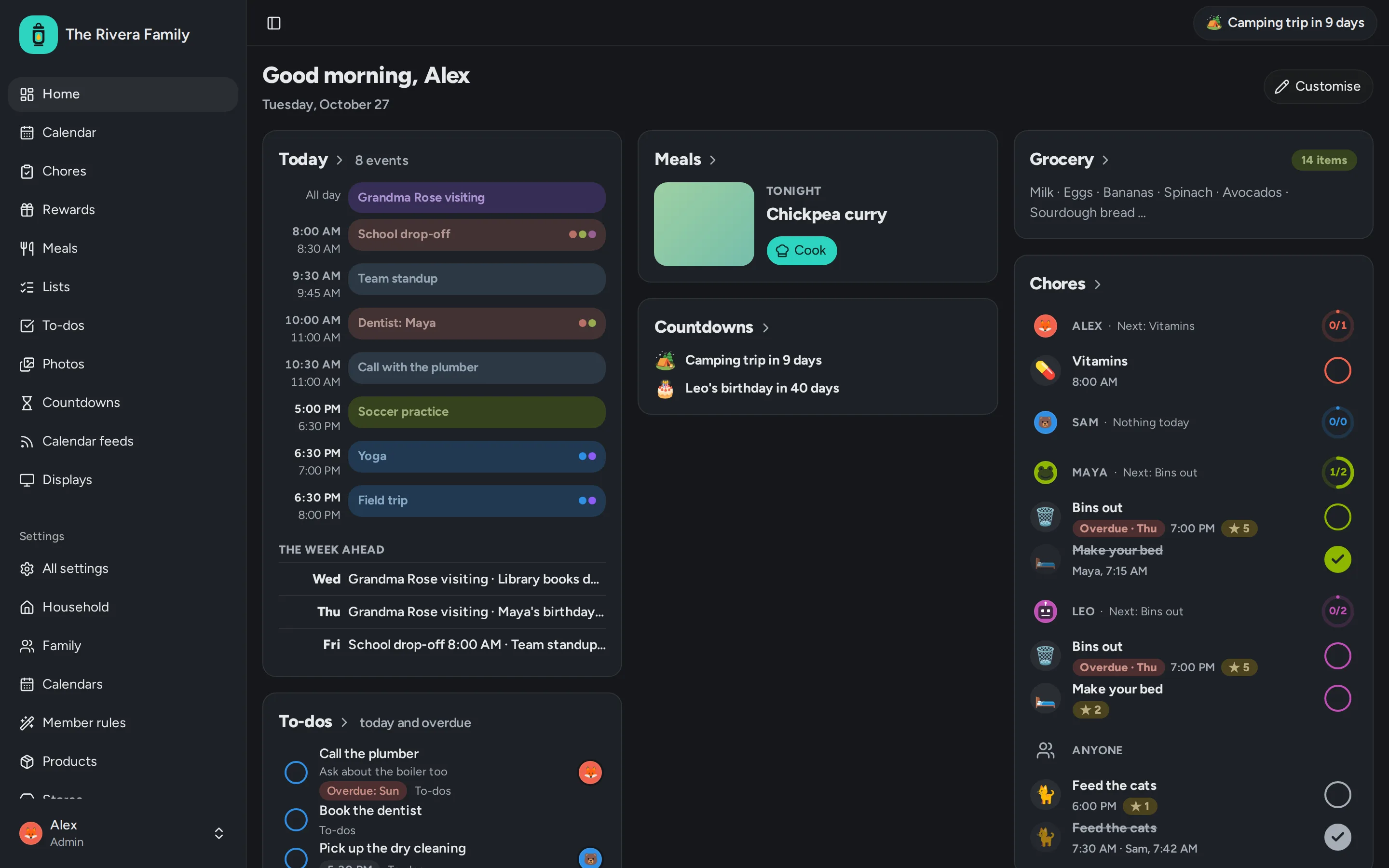
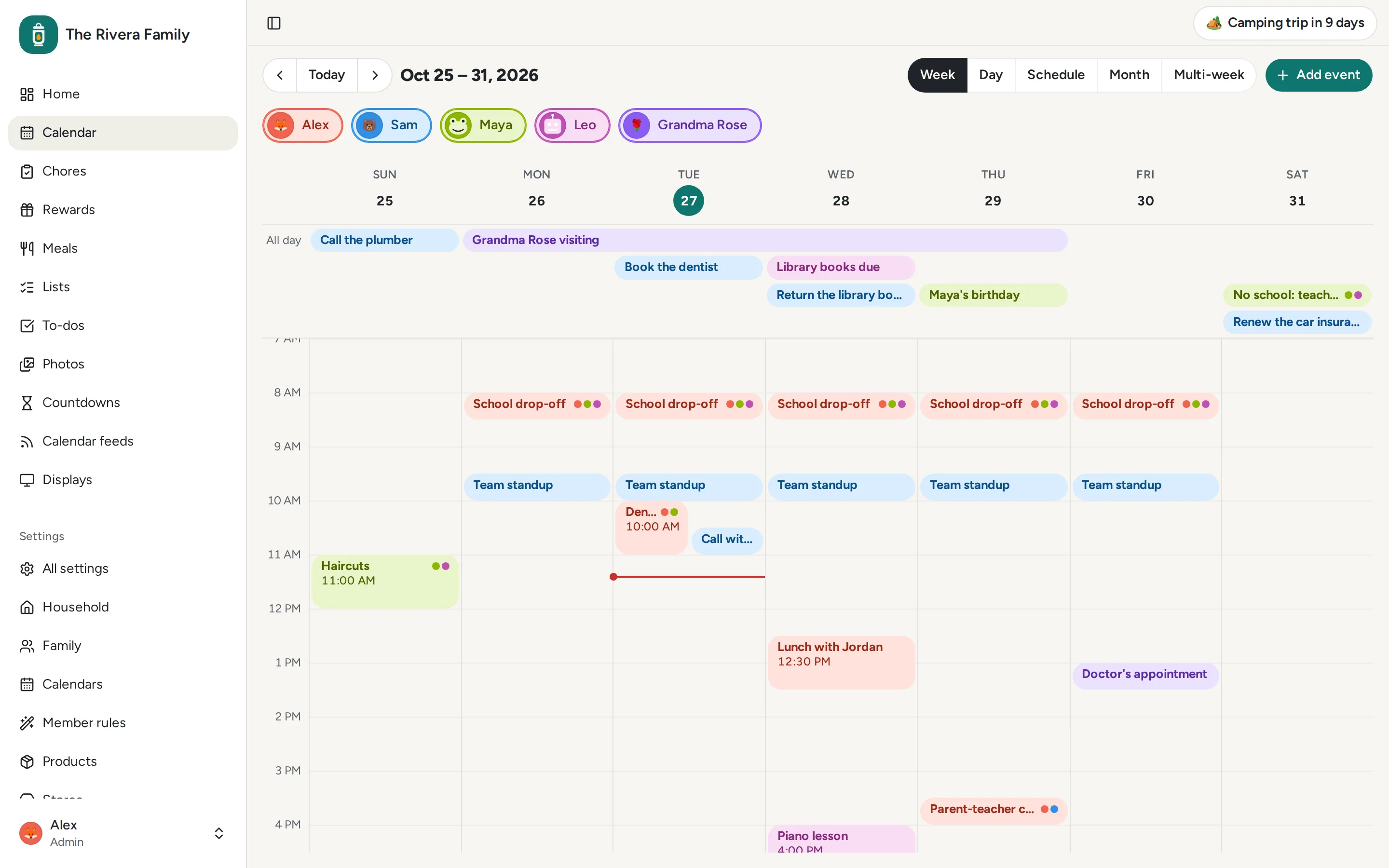
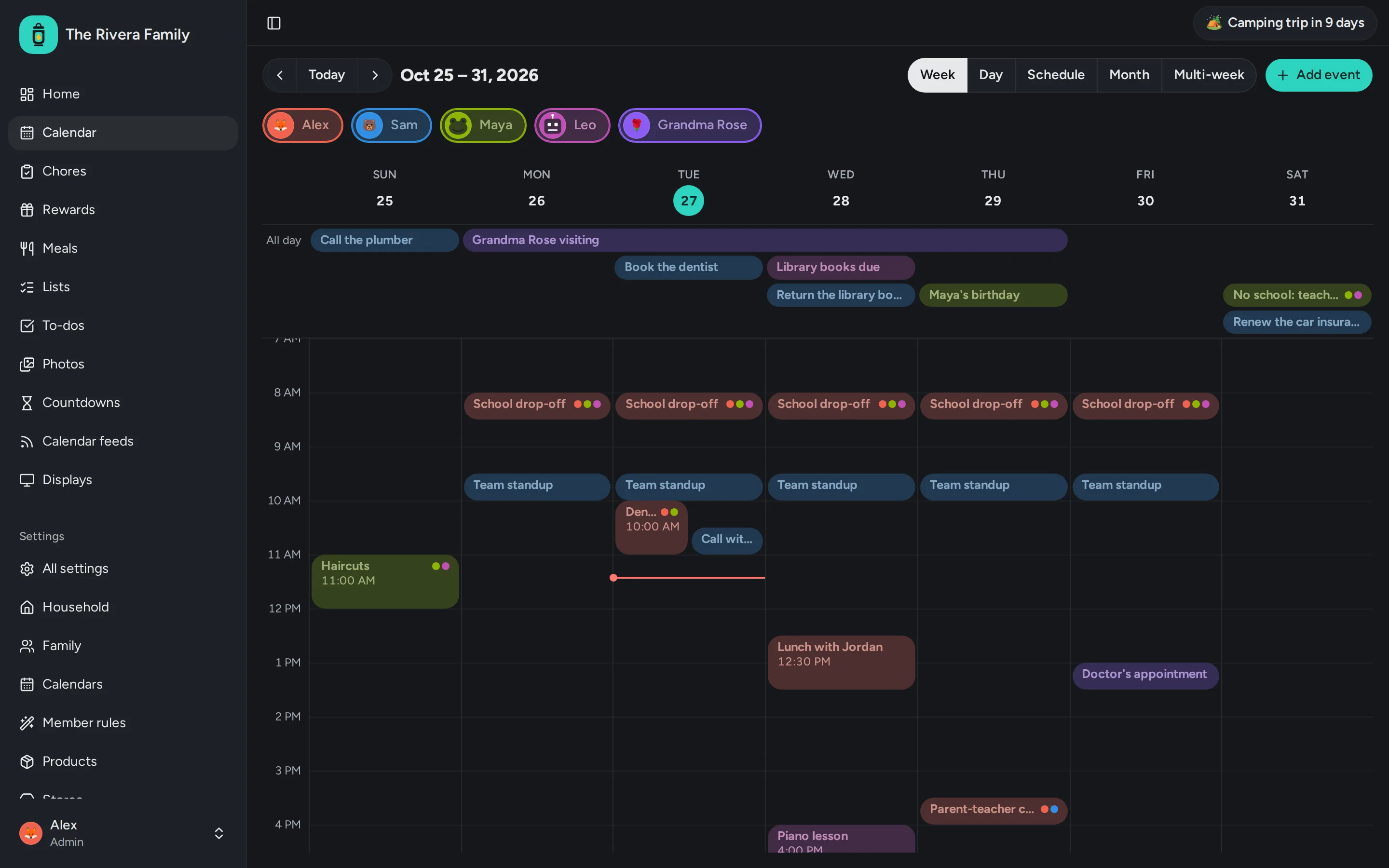
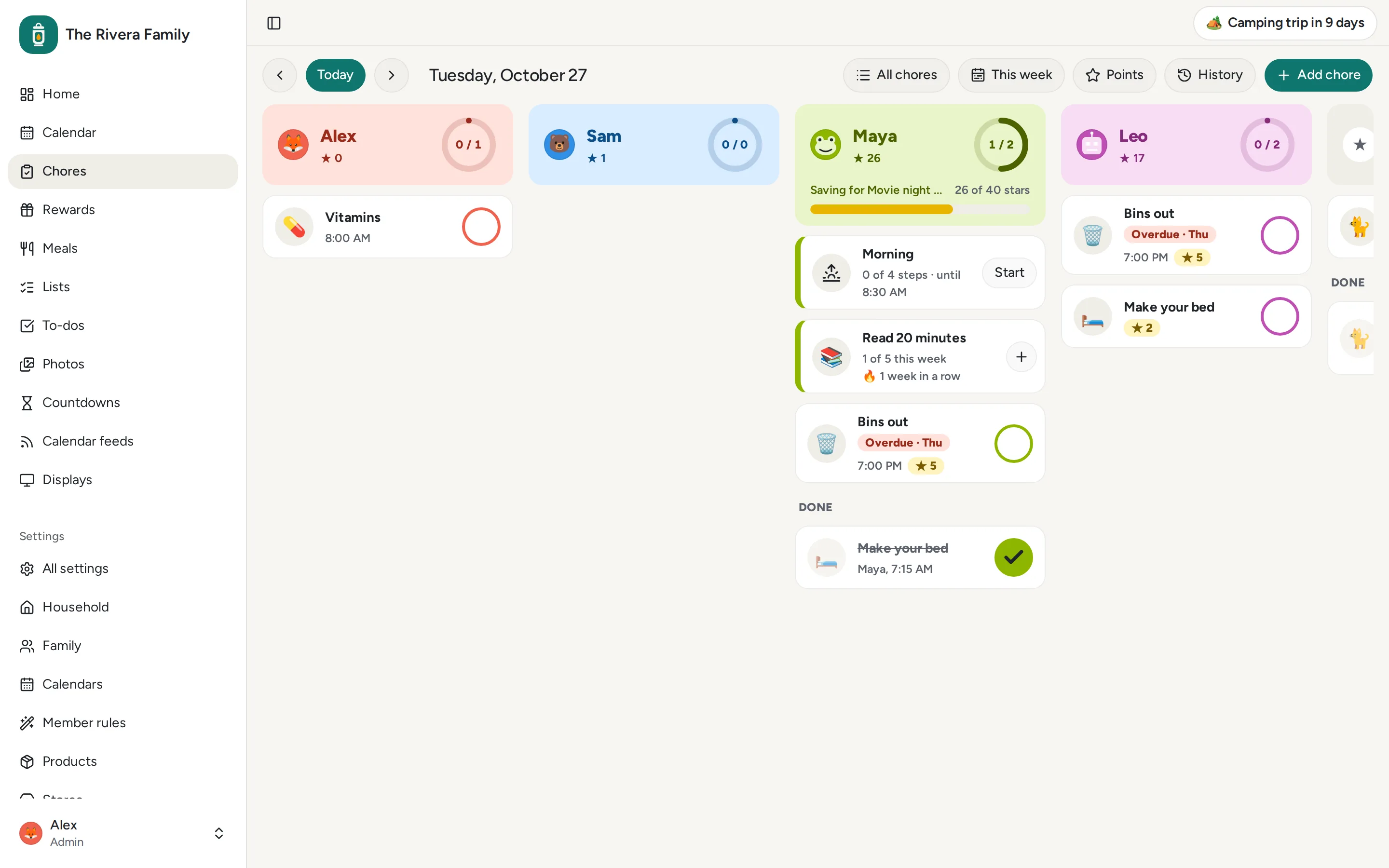
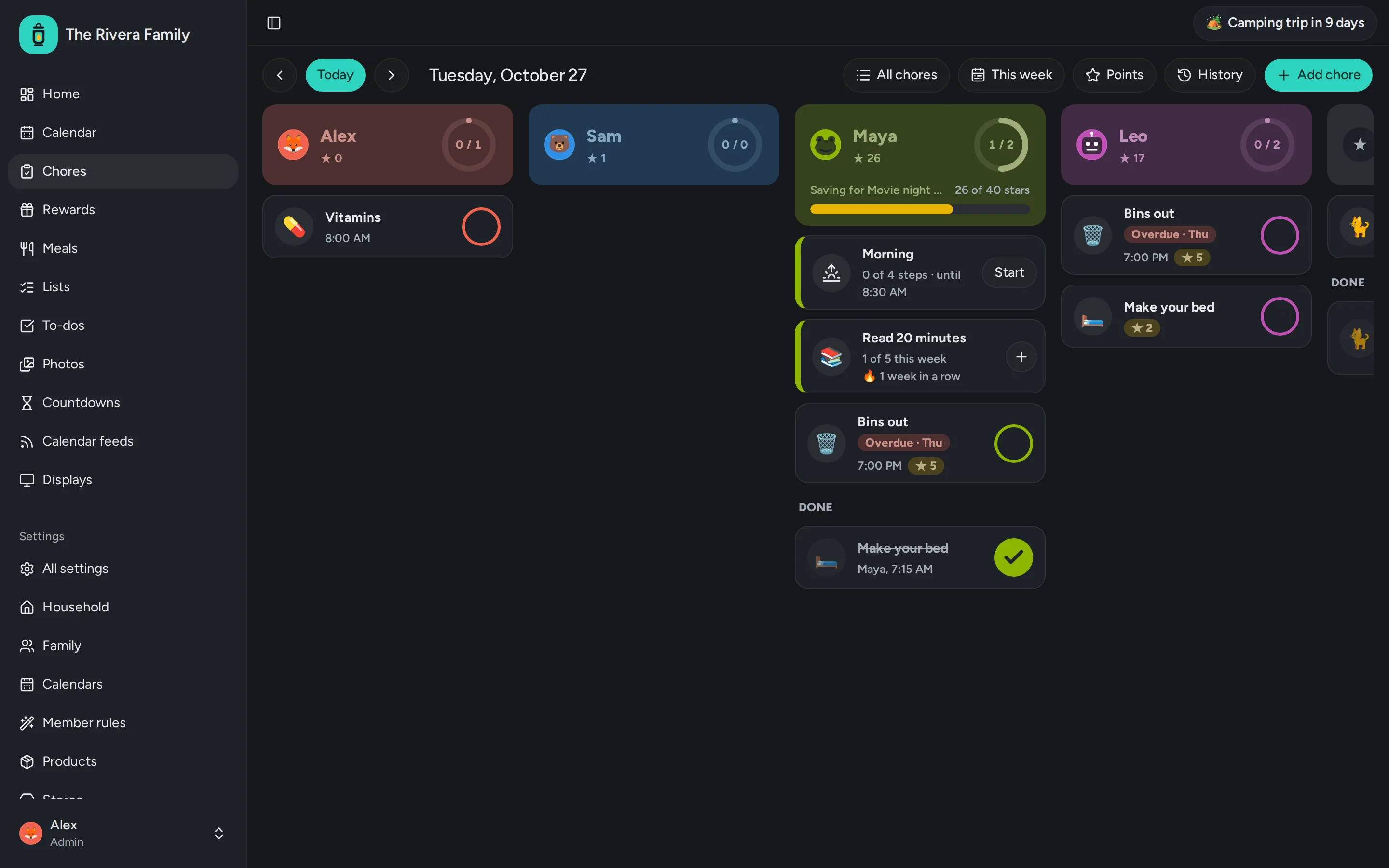
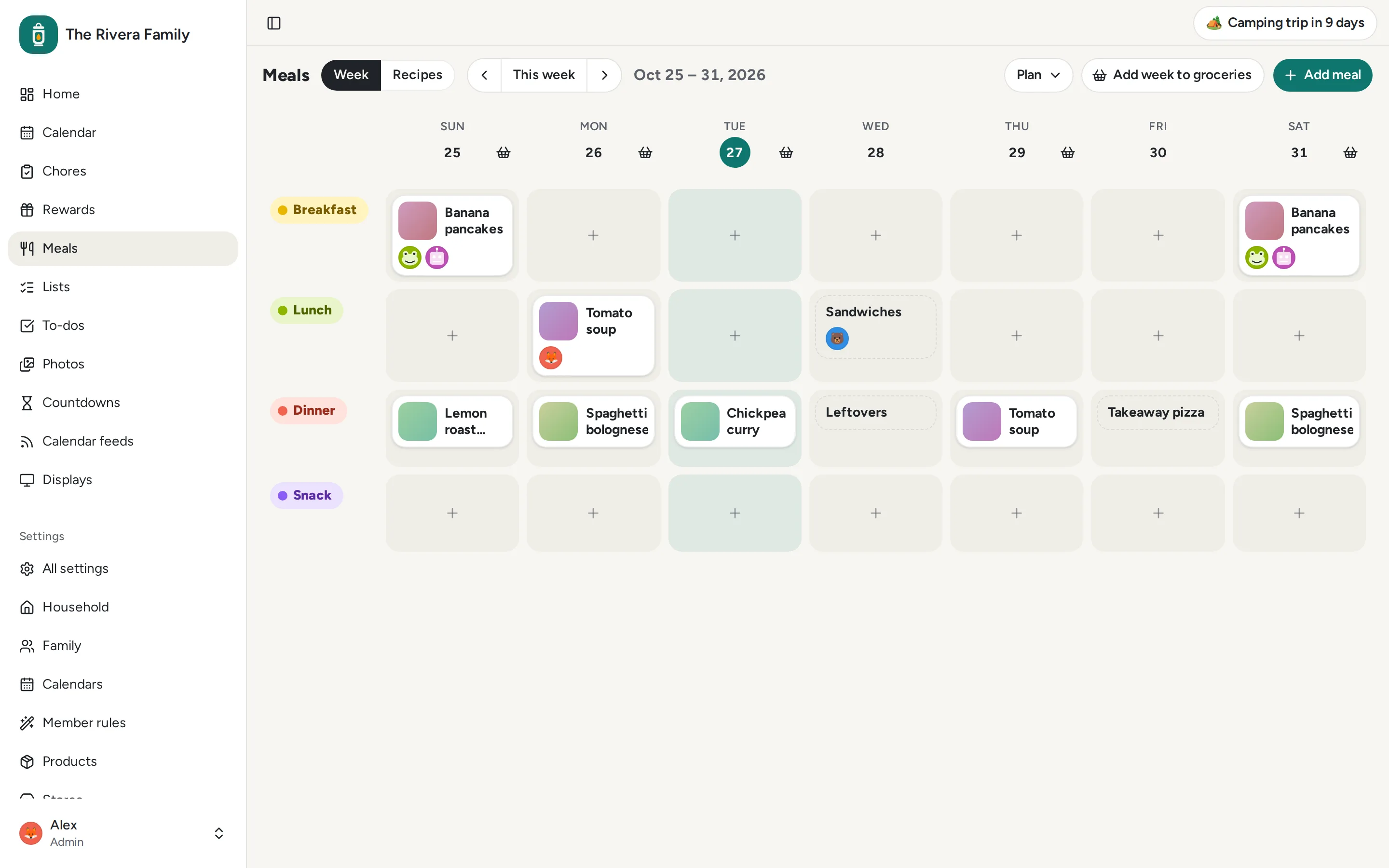
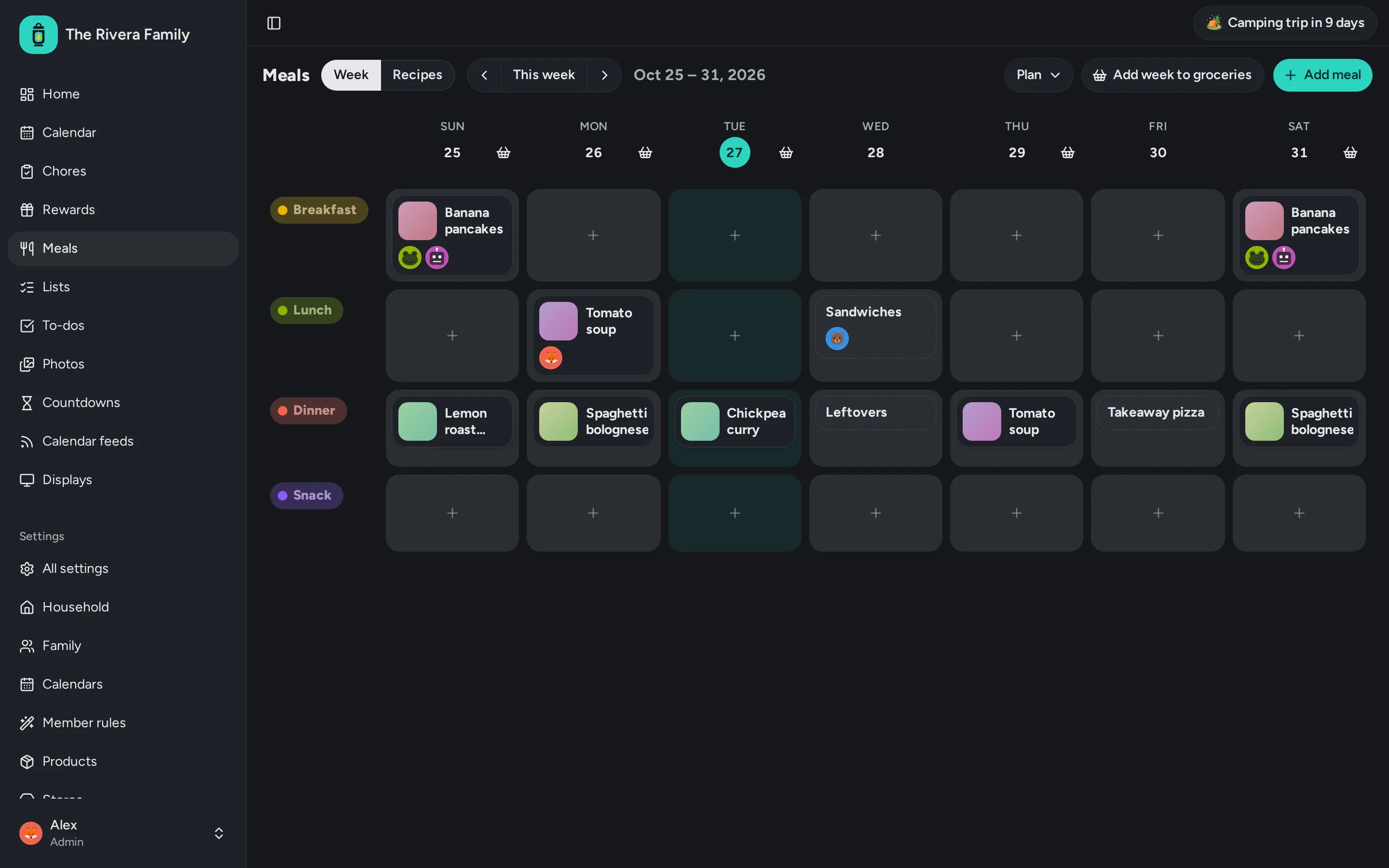
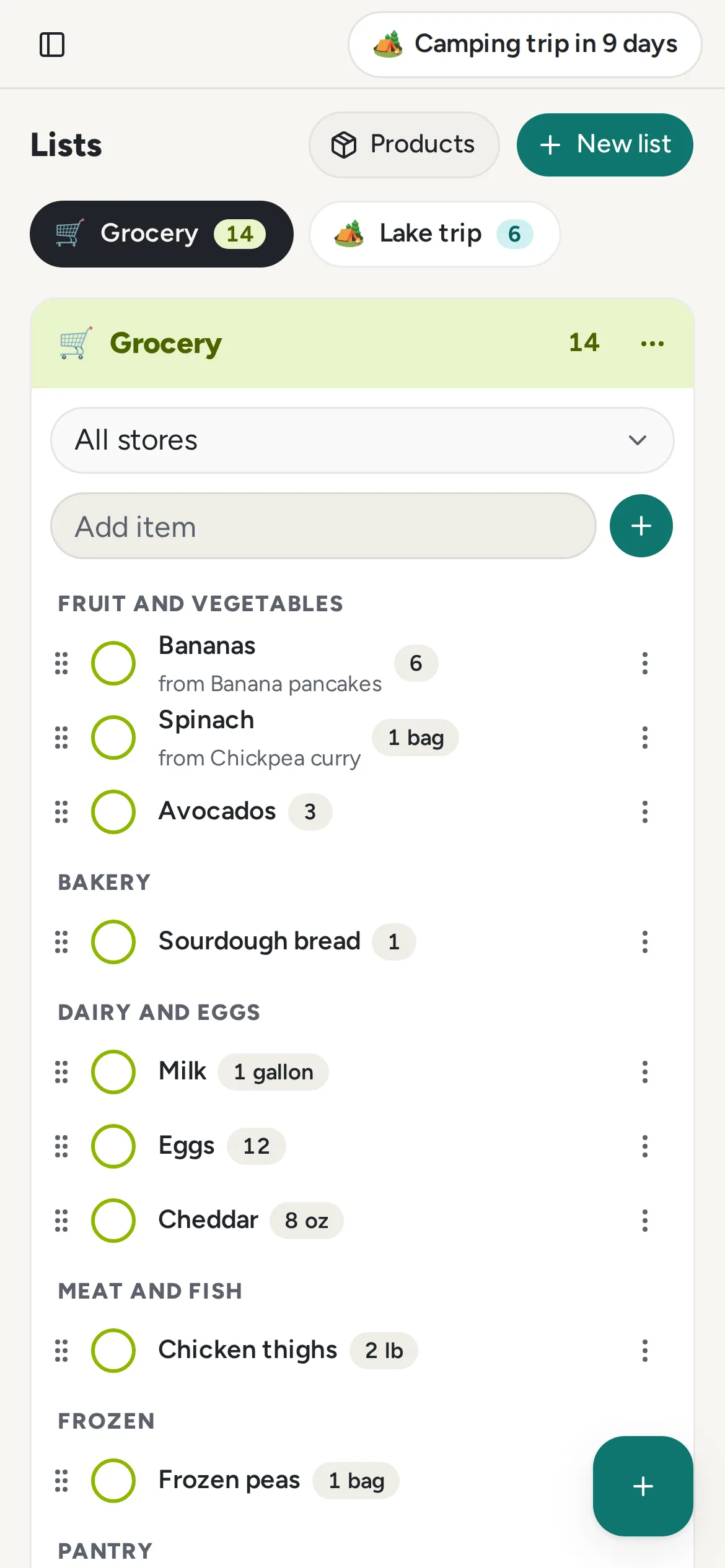
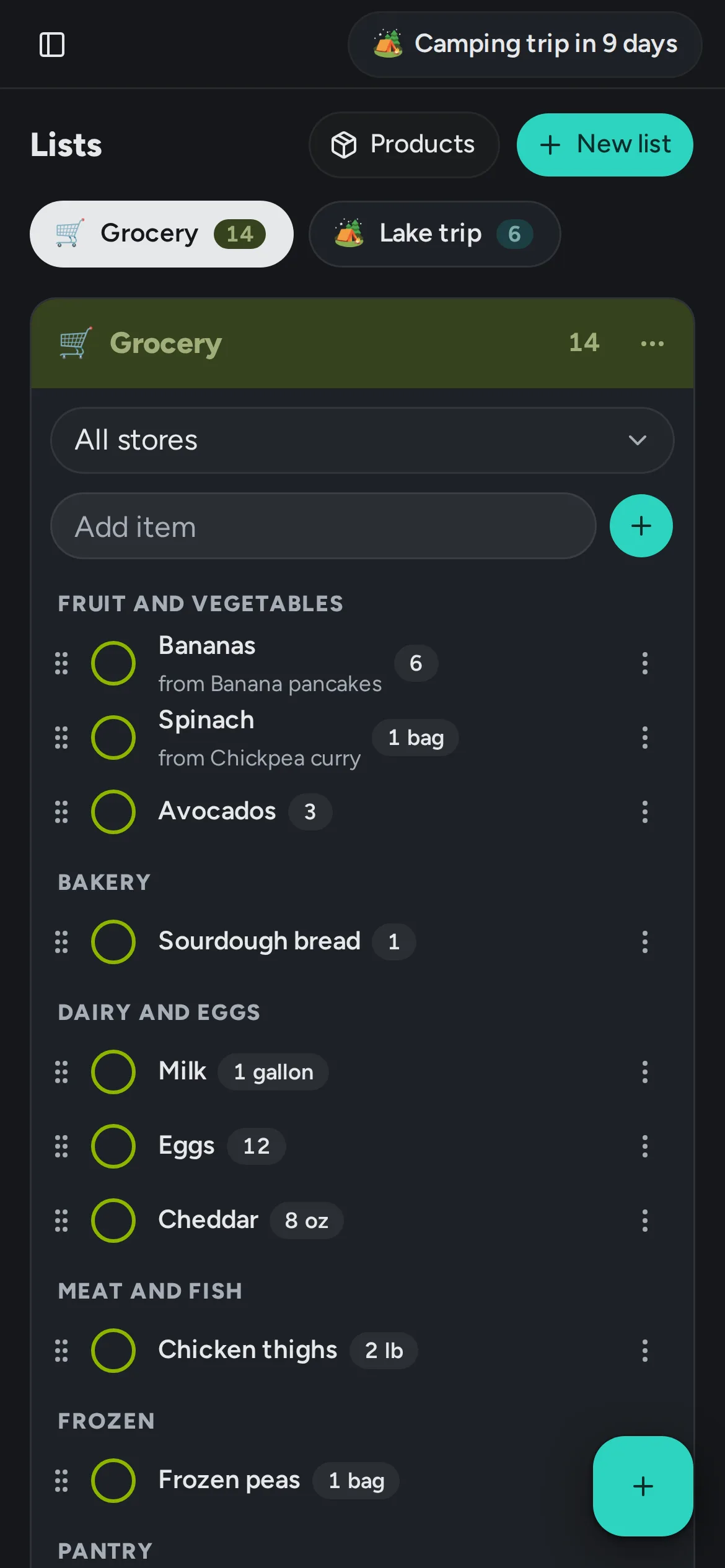
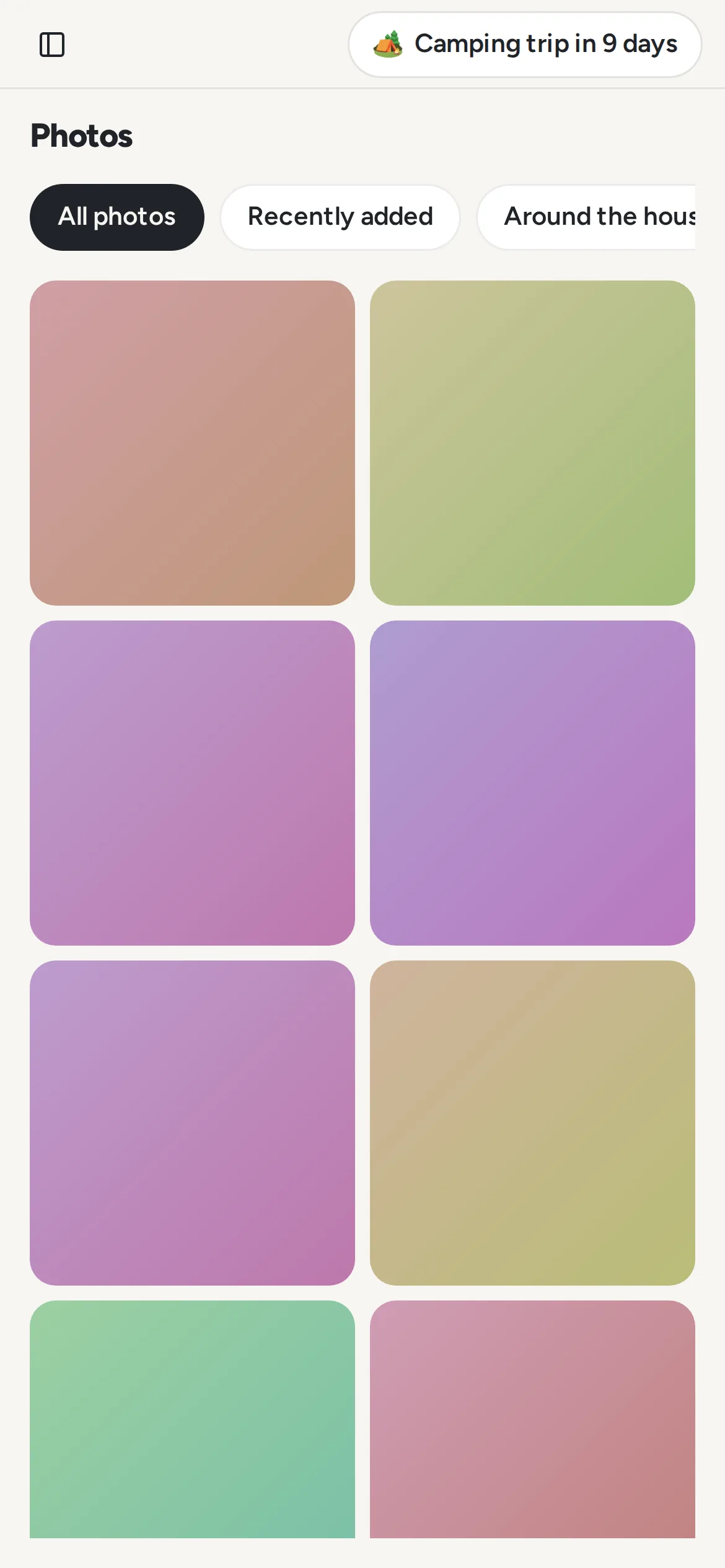
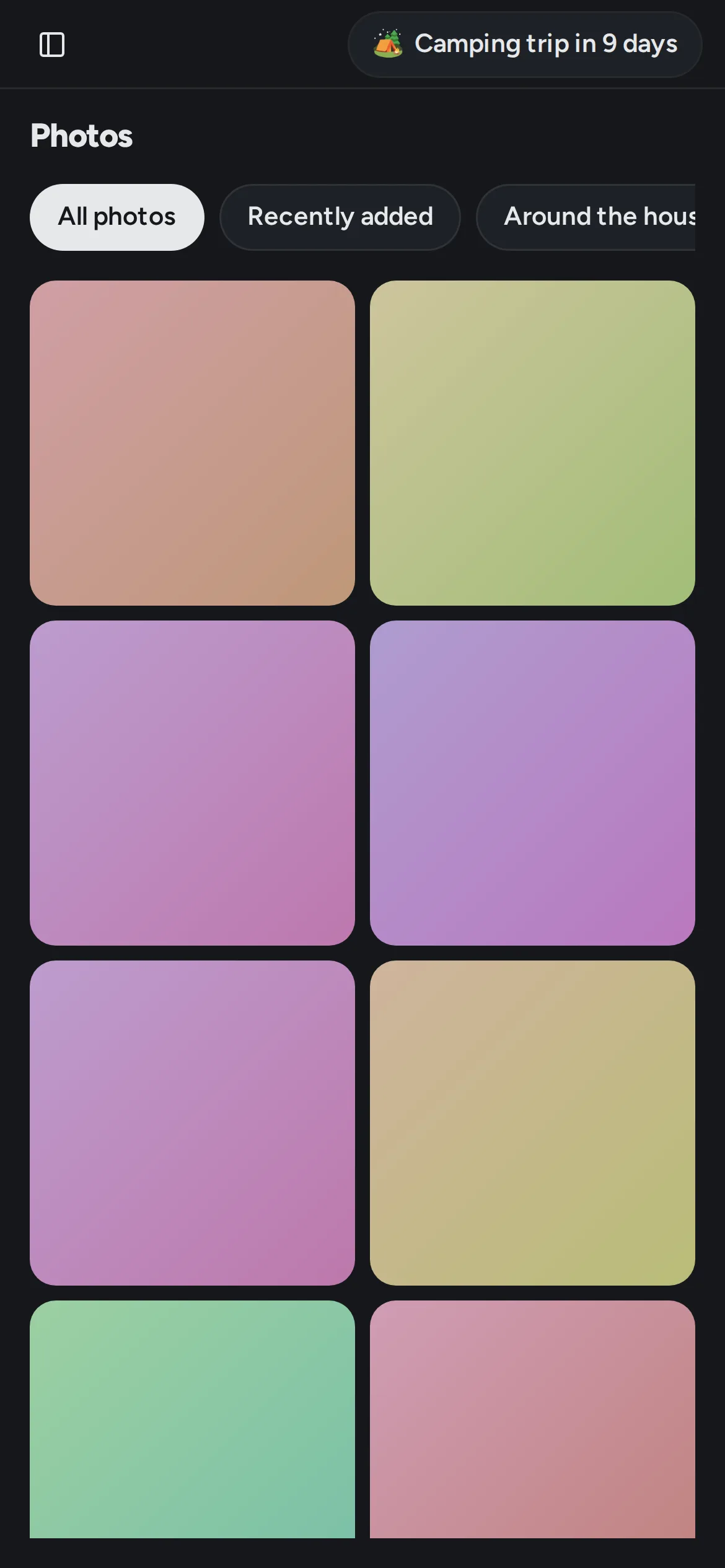
Taken from Lantern Home's demo household, never a real family's. Use them as they are, cropped if you like. Each comes light and dark, at full size.
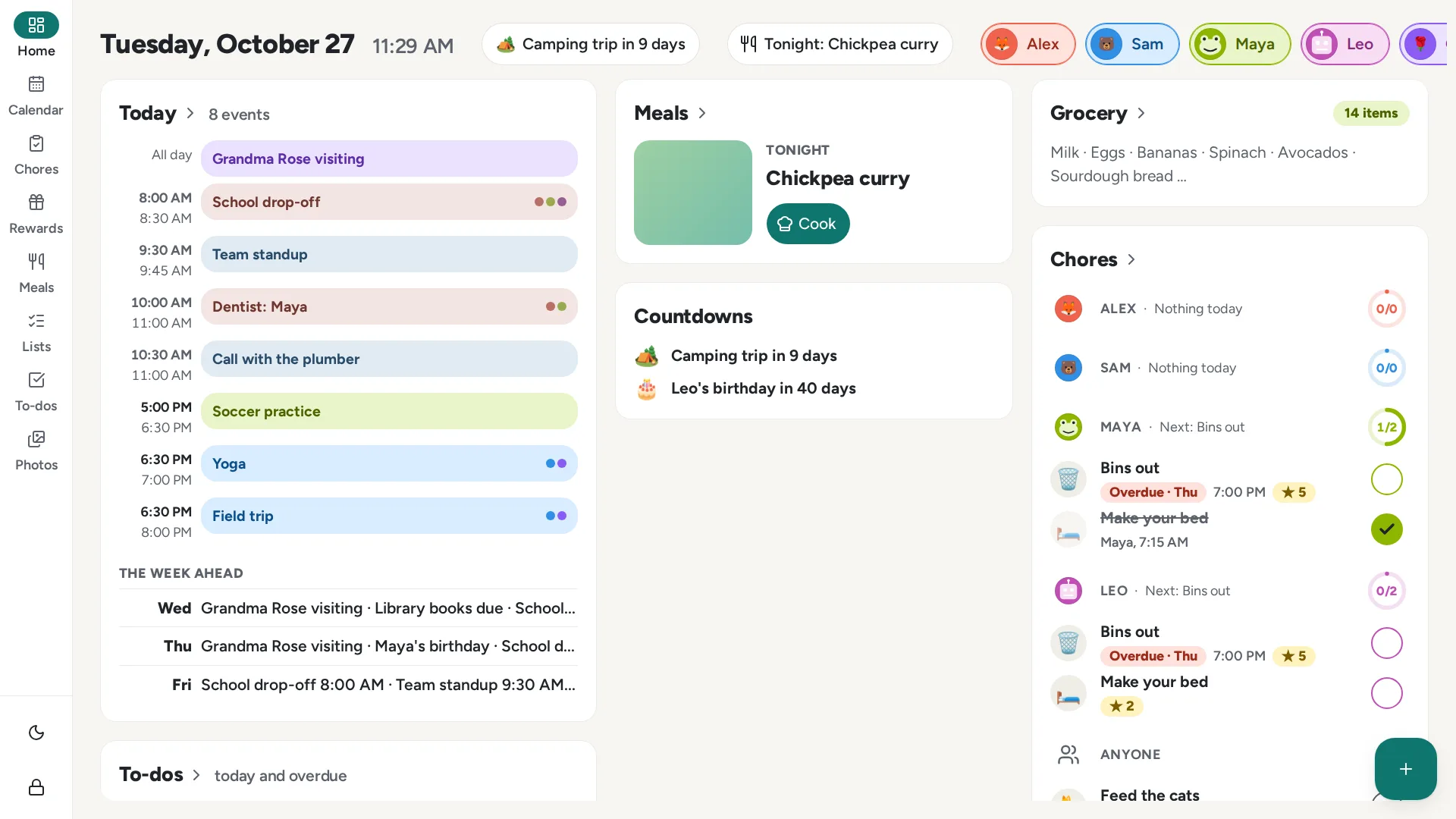
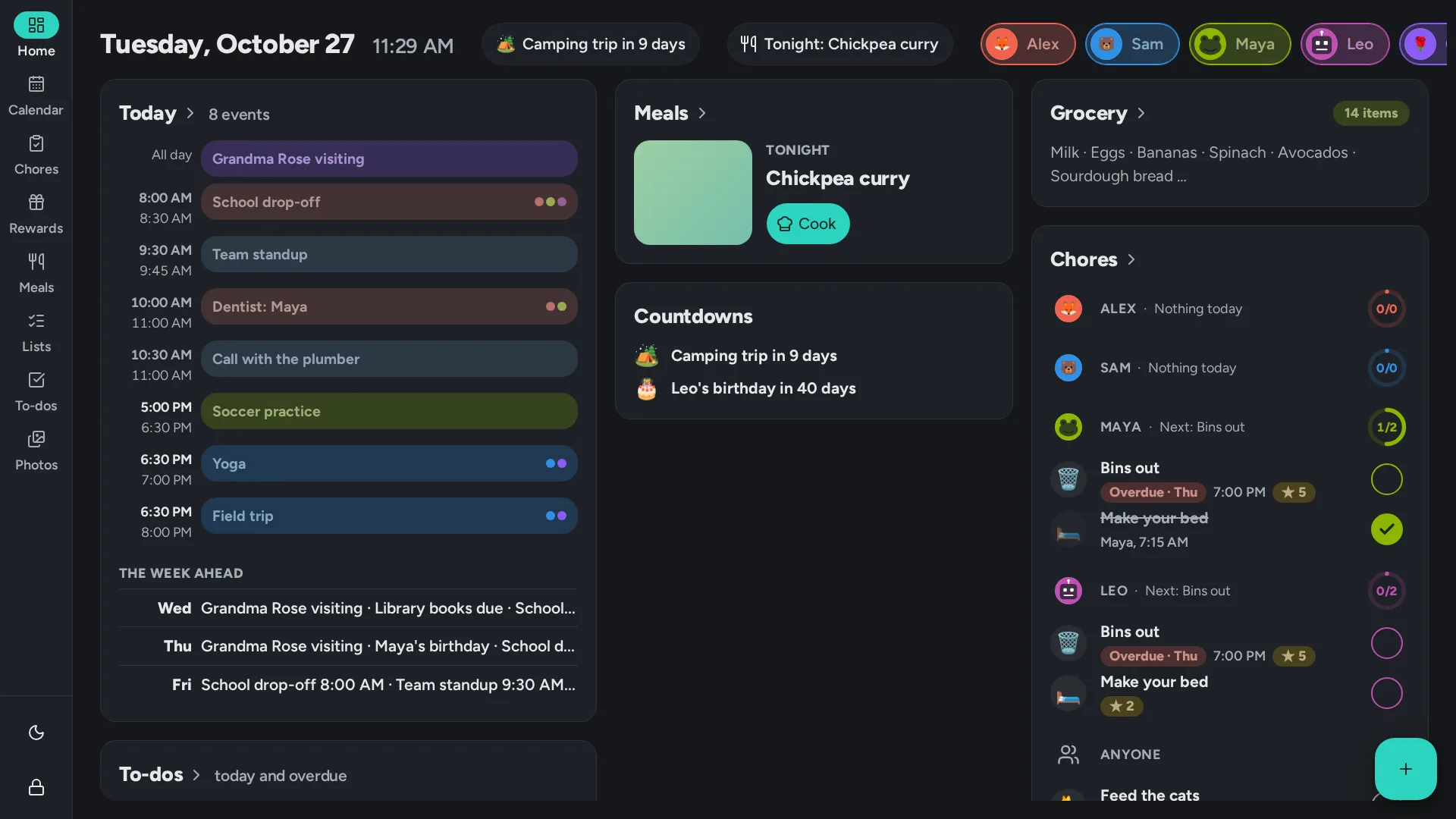
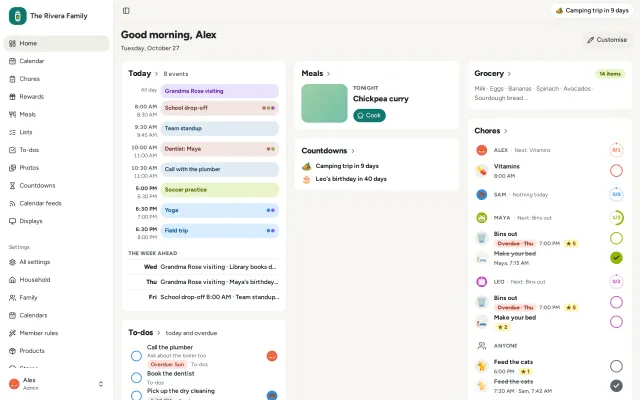 Home on a desktopLight: Home on a desktopDark: Home on a desktop
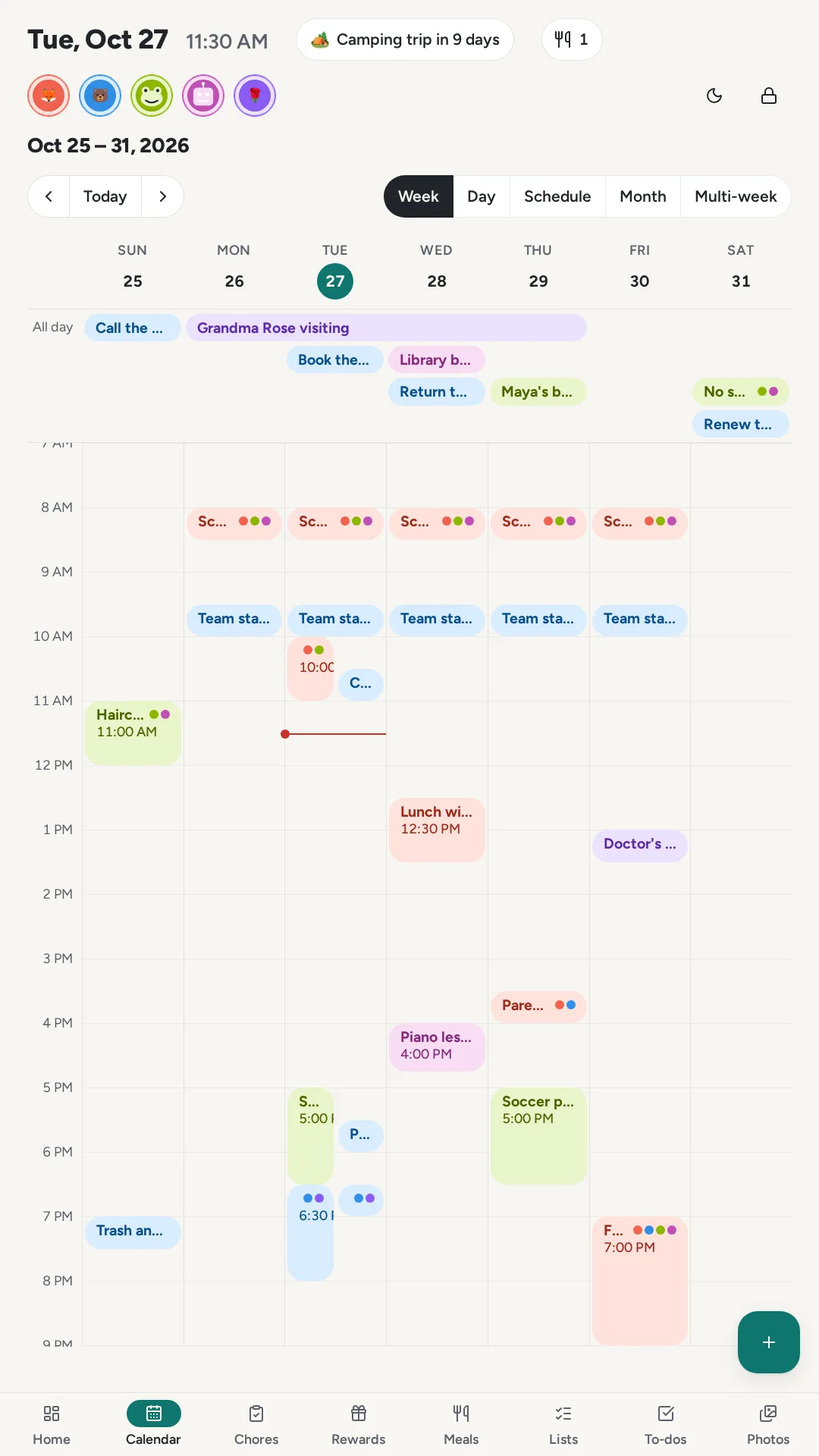
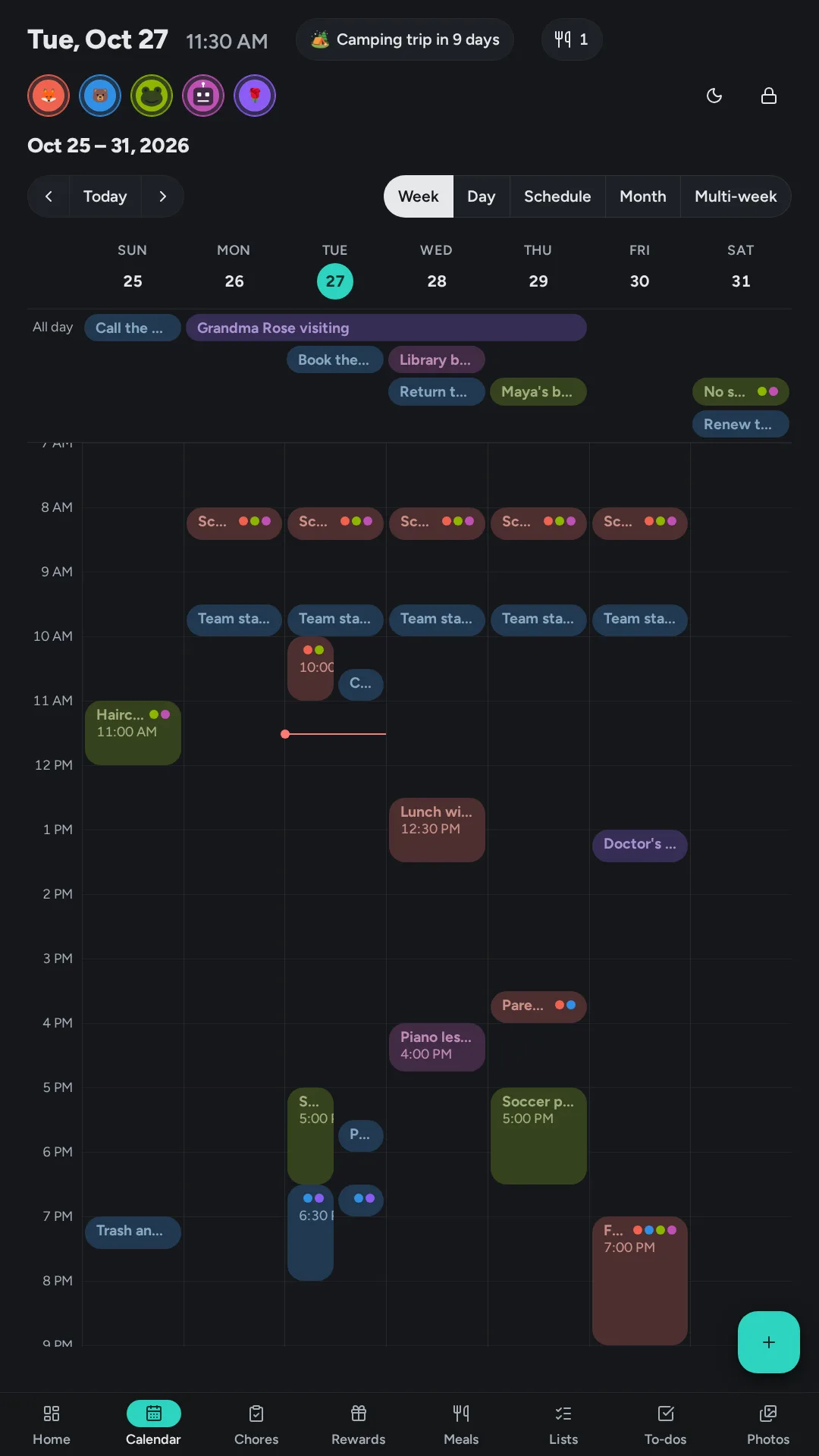
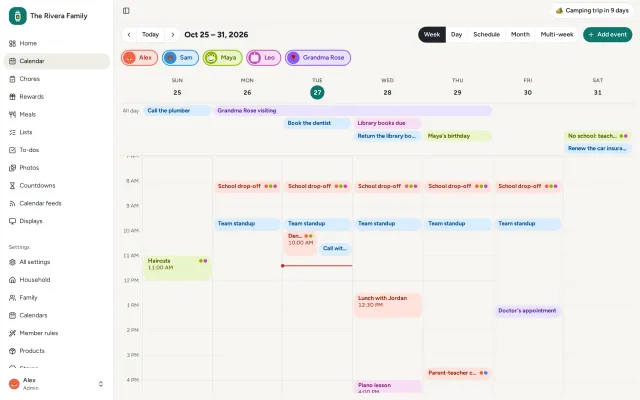 The calendar's weekLight: The calendar's weekDark: The calendar's week
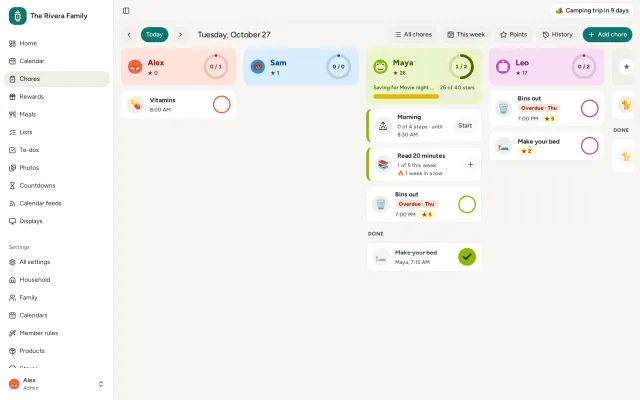 Today's choresLight: Today's choresDark: Today's chores
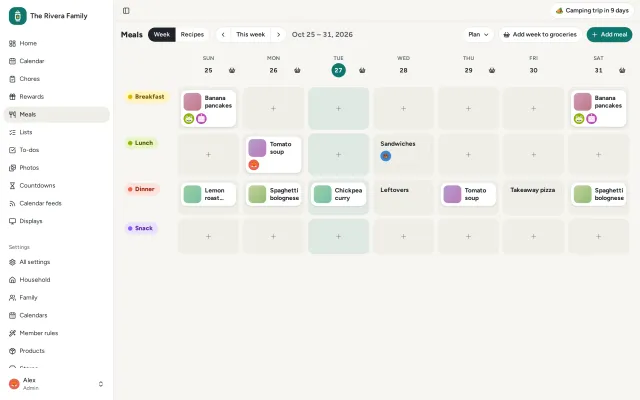 The week's mealsLight: The week's mealsDark: The week's meals
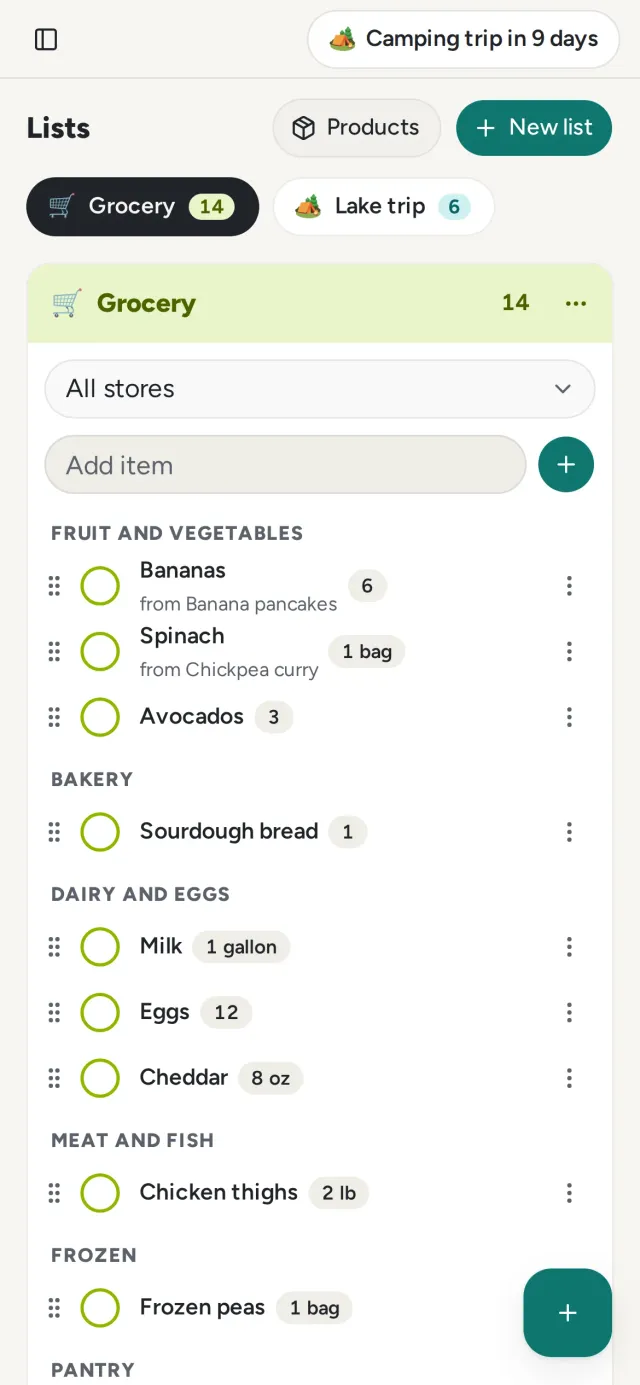 The grocery list on a phoneLight: The grocery list on a phoneDark: The grocery list on a phone
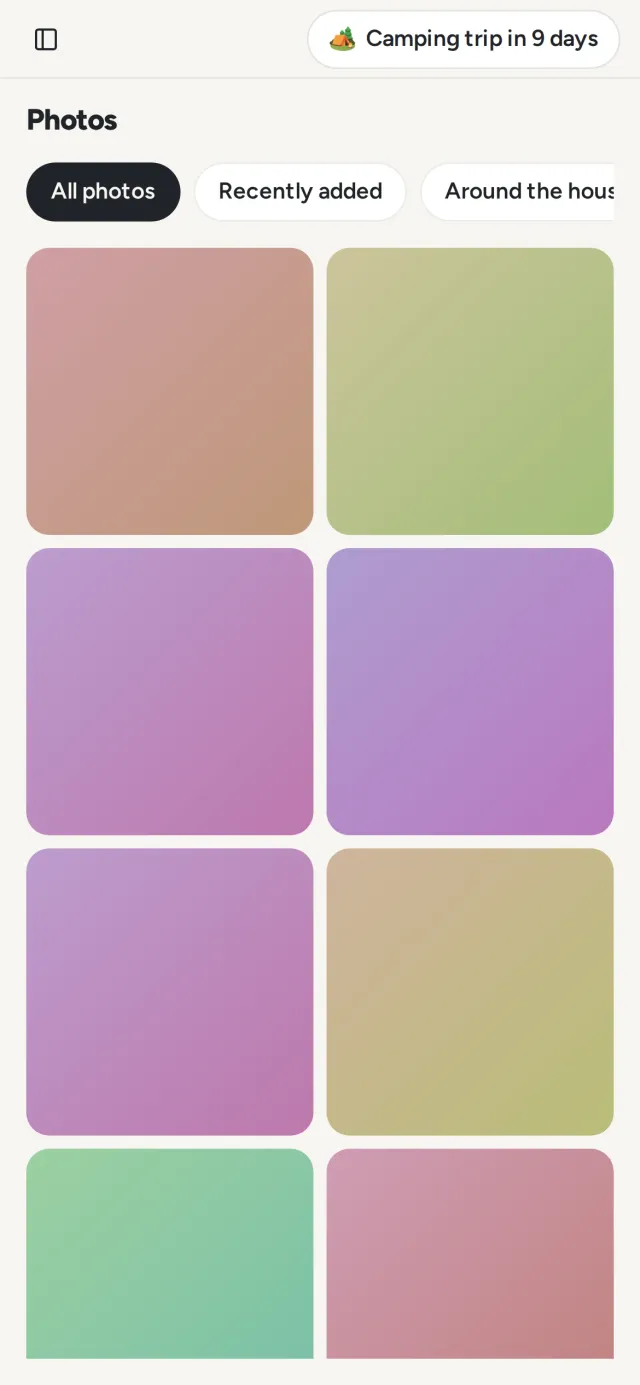 Photos on a phoneLight: Photos on a phoneDark: Photos on a phone
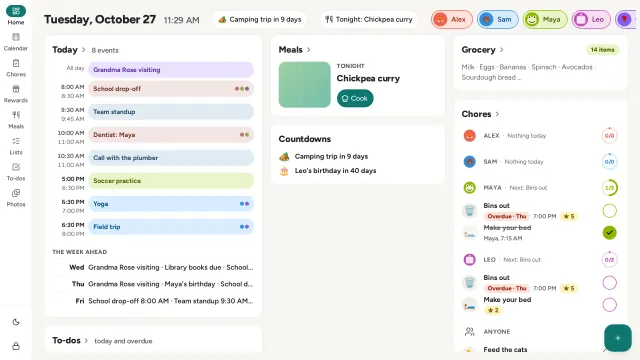 The wall display, in landscapeLight: The wall display, in landscapeDark: The wall display, in landscape
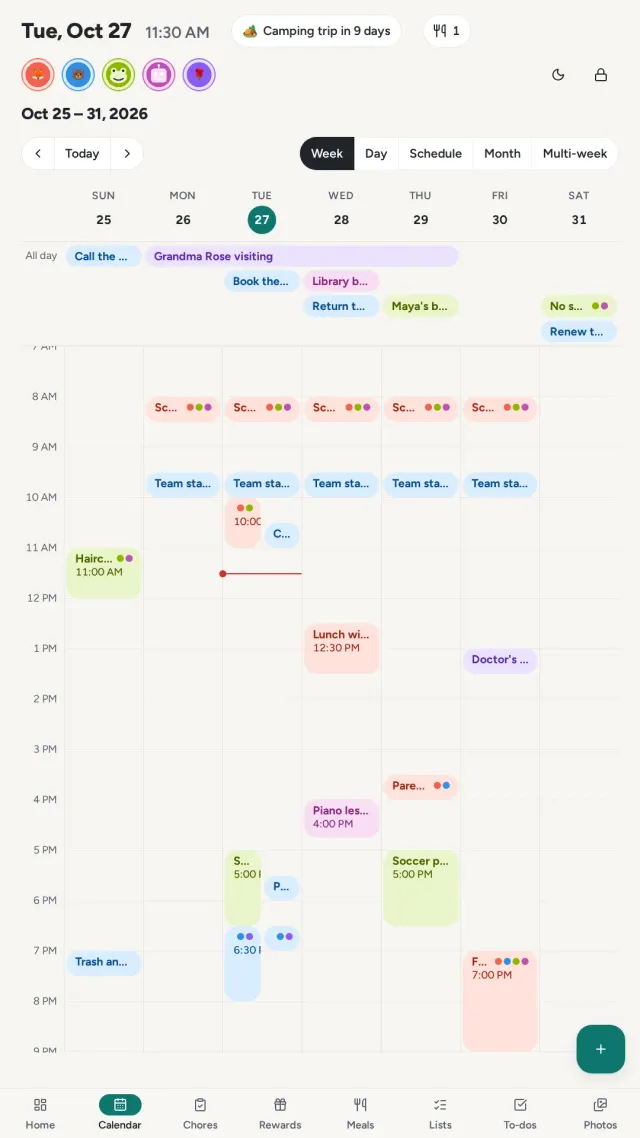 The wall display's calendar, in portraitLight: The wall display's calendar, in portraitDark: The wall display's calendar, in portrait